1 min read
A compatibility result needs a device, browser version and check date.
Record the actual setup
A desktop screenshot does not establish mobile behaviour. A useful test records the device, operating system, browser version, connection and date. It should also say which actions were checked and which were outside scope.
Separate reading a page from using a camera feature. A page may fit a narrow screen while a permission control, account action or session feature still needs testing. Do not assume that browser access establishes the existence of an official mobile app.
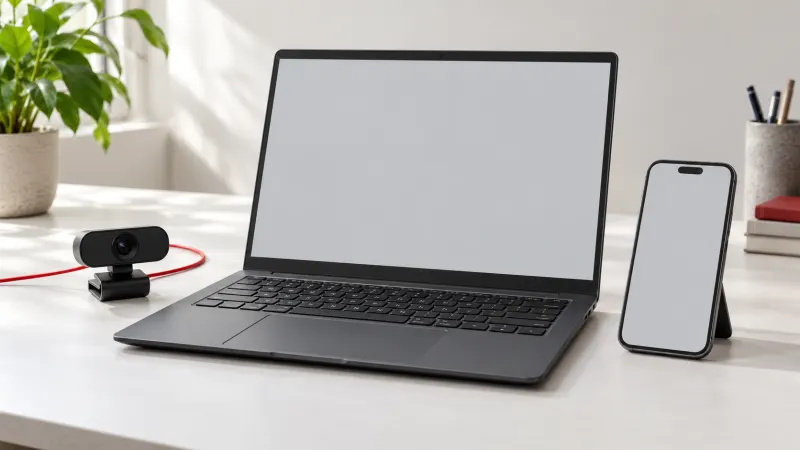
What to check on a phone
- Can you read the terms and see a complete price without clipped text?
- Are account, support and session-exit controls easy to identify?
- Does the provider explain camera and microphone permissions for the relevant browser?
- Do important controls remain reachable after rotating the device?
- Is an app claim backed by an official source rather than an unverified download link?
Permissions have their own failure modes
Browser media access is permission-controlled, and web camera features have secure-context requirements. A denial or device limitation should not be interpreted as a reason to download unknown software or provide unrelated account information.
Use official browser help to review permissions and use the provider's documented support route for its own feature. Keep a failed test specific: describe the action and environment rather than declaring that every mobile device will behave the same way.
Questions & answers
Does CamEval currently certify provider mobile compatibility?

No. Provider-specific device-test reports are not published in this release. This article is a general evaluation checklist.
Reference sources
These sources support the general explanations. They are not evidence of a provider-specific test.